site and blog! Our site is new, so it is not all done yet, and we need more visitors, so we ask our readers to tell their friends about upbeat pc and visit it! You can check it out here-
http://www.upbeatpc.com/
Thanks!
-Tech-drummer
site and blog! Our site is new, so it is not all done yet, and we need more visitors, so we ask our readers to tell their friends about upbeat pc and visit it! You can check it out here-
 The fastest computer you can buy, period.
How To: Run Your Windows Applications in Linux.
So you want to run your Windows applications on Ubuntu but don't know where to start? This guide explains step-by-step instructions on how to do it in a really simple way. Just follow step-by step.
Although there are numerous programs that can do this job – the most common way to do it is to use Wine (Wine Is Not an Emulator), and that is what we will use here.
To set up Wine all you need is -
A working 32-bit Linux OS installed to your hard drive (or through a VM) *You can do 64-bit but these instructions are for 32-bit only
An Internet Connection (or someone who does)
A little bit of common sense and patience
First of all we have to get Wine. To do this all you have to do is run the shell script that I made which will automatically put the wine repository in your list, update apt, and install wine.
First of all download the script from here.
Go to the folder in which you downloaded the script, and right click and go to properties.
Go to the “Permissions” tab.
Check “Allow Executing file as a program”
After that, double click on the executable and say “Run in Terminal”
The script will install wine and close, once it is done wine is installed! Simple right?
Next all we have to do is install an application. We all don't have the same applications – so as an example I am going to use Notepad++. It is a text editor more advanced than notepad (for programming) and it works wonderfully in Wine. You can download it here. (If you download yourself, use version 4.8.5 , the 5.0 beta does not work). Once it is done, go to the folder in which you
downloaded it, right click it and there should be an option saying - “Open with Wine Windows Emulator”. If that doesn't show up, you will have to take some extra steps. Go to “Open With Other Application”. Use a custom command – and put in “wine” (without quotes).
When you open the notepad++ installer, the installation screen should show up asking you which language to pick (Illustration 1). Then you can just go through the installation process as you normally would as if you were in Windows.
Afterwards, you would get an icon on your desktop that says, “Notepad++” . You would also get it in the menu (after it refreshes). (If it asks you to update, say no). Double-click it and there you go. You are running notepad++ in wine!
Not all software is that easy, but then again, some are. If you need help installing a particular program, you can google it, or search the Wine Application Database. This is a database which has a list of programs which work or do not work with Wine.
Also, if you are willing to pay, there are some proprietary wine solutions out there.
CodeWeavers CrossoverOffice This is a wine derivative and makes it very easy to install windows applications through its interface, I recommend to try the beta and see if you are willing to pay $40 for it.
CodeWeavers CrossoverGames This is like CrossoverOffice except it is meant for games.
Cedega – This is another application that helps you play your games on Linux. I cannot say anything about CrossoverGames vs Cedega (since I haven't tried them). The only thing I know is that Cedega is cheaper than Crossover Games.
-22nd Century Technology
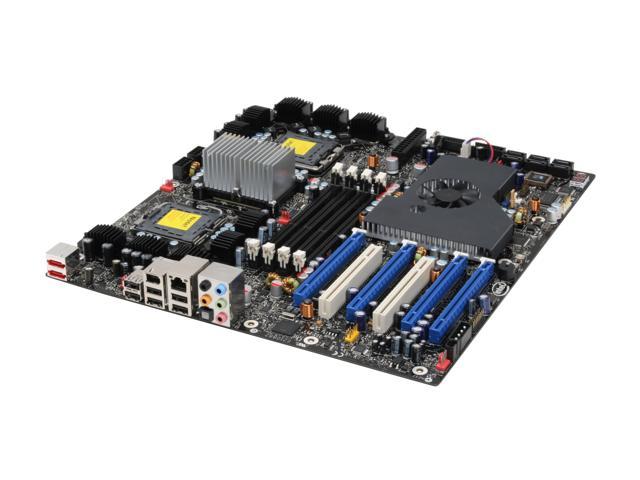 800/677 FBDIMM. But it has support for 2 CPUs and it has 4 pcie x16 slots, and it supports upto 16gb of RAM. As for the not so all-out one , we chose the asus striker extreme 790i motherboard, which has support for all the new tech, but is not a skulltrail platform. Well , at least that was the original plan. On newegg, afterwards we saw a 4gb module of ddr2 800! So we were like wow, we can put in 16 gig! Problem - it was ddr2 , and 790i only supports ddr3 , so we had a choice, stick with 8gb of ddr3 or go with 16gb of ddr2, now , that is your choice, but we went with the 16 gig, but now i kinda regret it because of course - ddr3 is more future proof and all that, but in the future I guess we will see 4gb modules for ddr3. Hopefully. Also, we needed memory for the raid card (it had a ddr2 slot) but we will tell you about that in that section.
 seriously , that is why this is the all out pc, four 9800gx2s it is, maybe they won't be in SLI, but who knows? lol. For PC 2, we obviously didn't do that, we just went with "normal" sliied 2 9800gx2s for quad sli. Oh and of course, these aren't just any 9800gx2s, they are the evga ssc ones, so they are OC'ed to teh MAX!!
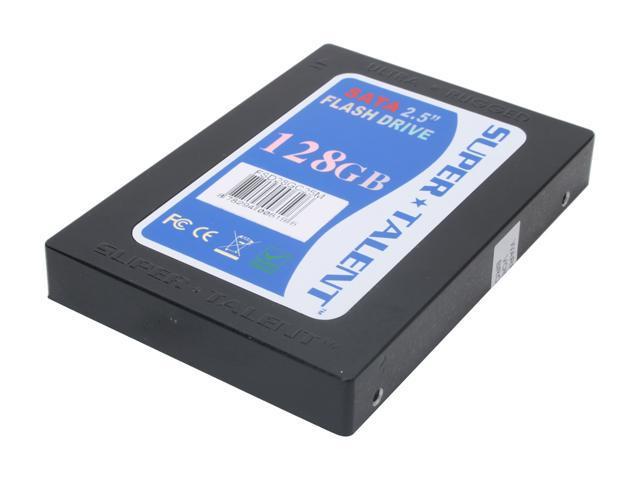 isagree and say for one - 4 ssd 128 gb's cost $12000, and you could just at the very least get three of them and get 3 1tb hard drives in raid 5. I don't know, that is another good option so you can put a lot of variety into this, but that is what we decided to go for! Of course, for this kind of raid you think we are going to use onboard raid?? Heck no! We chose a $1200 raid card from areca on newegg. It also benefits from having a ddr2 533 slot where we can put in 1 stick of memory for RAM. As for that the 4gb module was just perfect for that, so we can have 4gb of memory in our raid card (we have a 4gb ddr2 800 module in the all out pc too just for the raid card)! :P
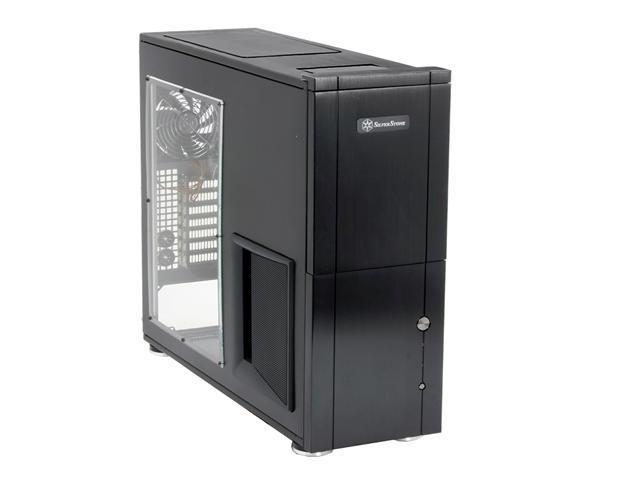 Case - We got the latest silverstone tj-10 case. As for looks it may not be that great, but the construction quality is great, airflow and cable and routing are nice, but it is HUGE (a good thing). It will be the perfect enclosure!
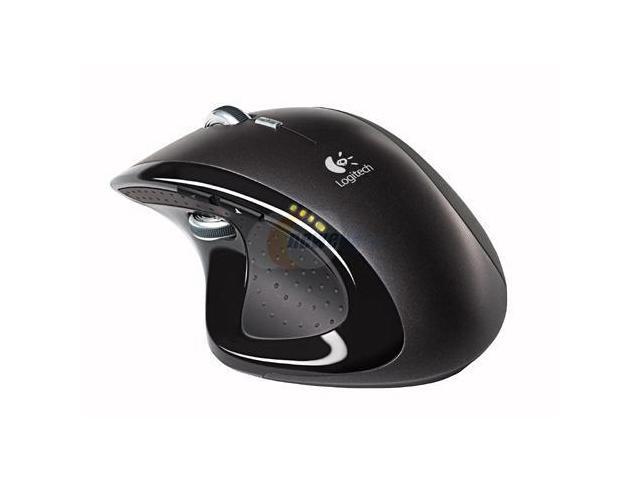 Mouse -
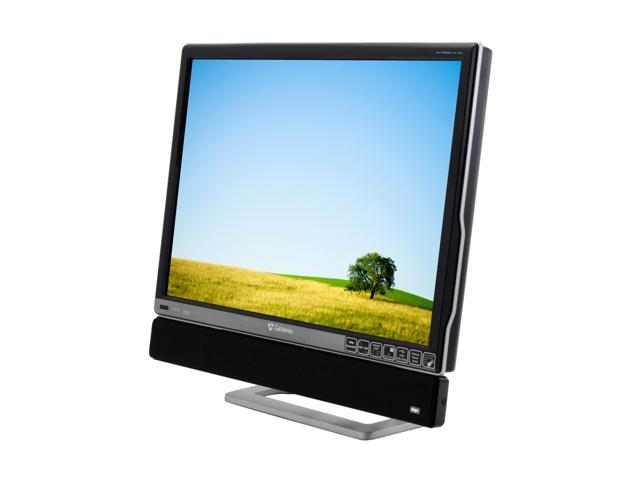 Monitors - You are not gonna believe this - but TWO 30 inch XHD3000s for monitors. Those will do really well... they can even double as a TV! :P


 Sorry for the late post....We will start posting a lot more after finals
 Don't have enough dough for Windows? Need a safe, secure open-source operating system that's free? YOU NEED UBUNTU! You have not seen a Linux-based operating system until you've seen Ubuntu! If we had a rating system on this blog, (witch I'm working on), i would give Ubuntu 5 Stars!

 free software for you. It is compatible with Mac and Windows, so whatever you are using, you are good to go.


 never use? do you have 3 years of temporary Internet files slowing down your computer? Well we have a easy solution for you!- ccleaner!


 even create your own stick figures using an easy to use visual editor that lets you assemble objects out of lines and circles. In addition, you can optionally set animation size, speed and more. The result can be saved as animated GIF file. Fun and easy to use, surprisingly well featured.
 & Chat On The Go
 If you want to talk to your friends, and video chat, Skype is the one for you. But with skype, you can also make calls to landlines!
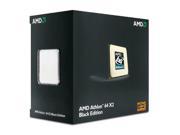
 CPU - AMD athlon 64 le-1600 $39.99
 )
)

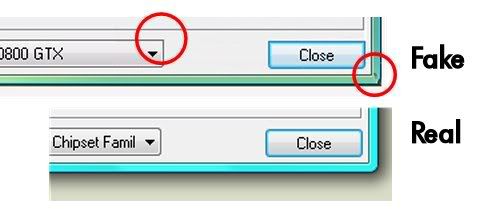 e are not .. the fake picture is credited to SatchBoy of the maximumpc forums. Nice catch! But of course, it was a nice joke
 We recently found this new great hosting site that you can use to host your webpages!! The site is called 110mb.com. It is totally free (but mysql costs $5 i think if you want that), stable, and there is virtually no offline time! On top of that, it offers 300gb of space, and 3000 gigabyte bandwith, although each file is limited to 10mb. There is also a great support forum in case you need help with anything, and if you get 350 posts on there, 110mb will give you FREE mysql! That is really amazing for such a cheap host. This is 22tech's recommendation for any website. Good luck and enjoy!!
Vixy.net Converter is a fla to video converter, so basically you can convert Youtube videos to go on your ipod (or your computer). All you have to do is type in the Youtube URL, and the videos  converted and you can download it to your computer or ipod!!! Their is a web version ( http://www.vixy.net/ )but you can also download the software to convert here.
p.s. You have to have web access to use it
-Tech Drummer
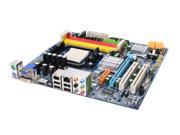 Video Card
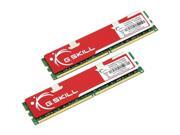
 CD/DVD Drive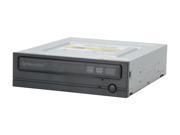
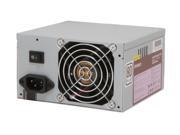
 Power Supply
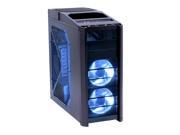
 All These Items Can Be Found On Newegg
-Tech Drummer
22centurytech@gmail.com